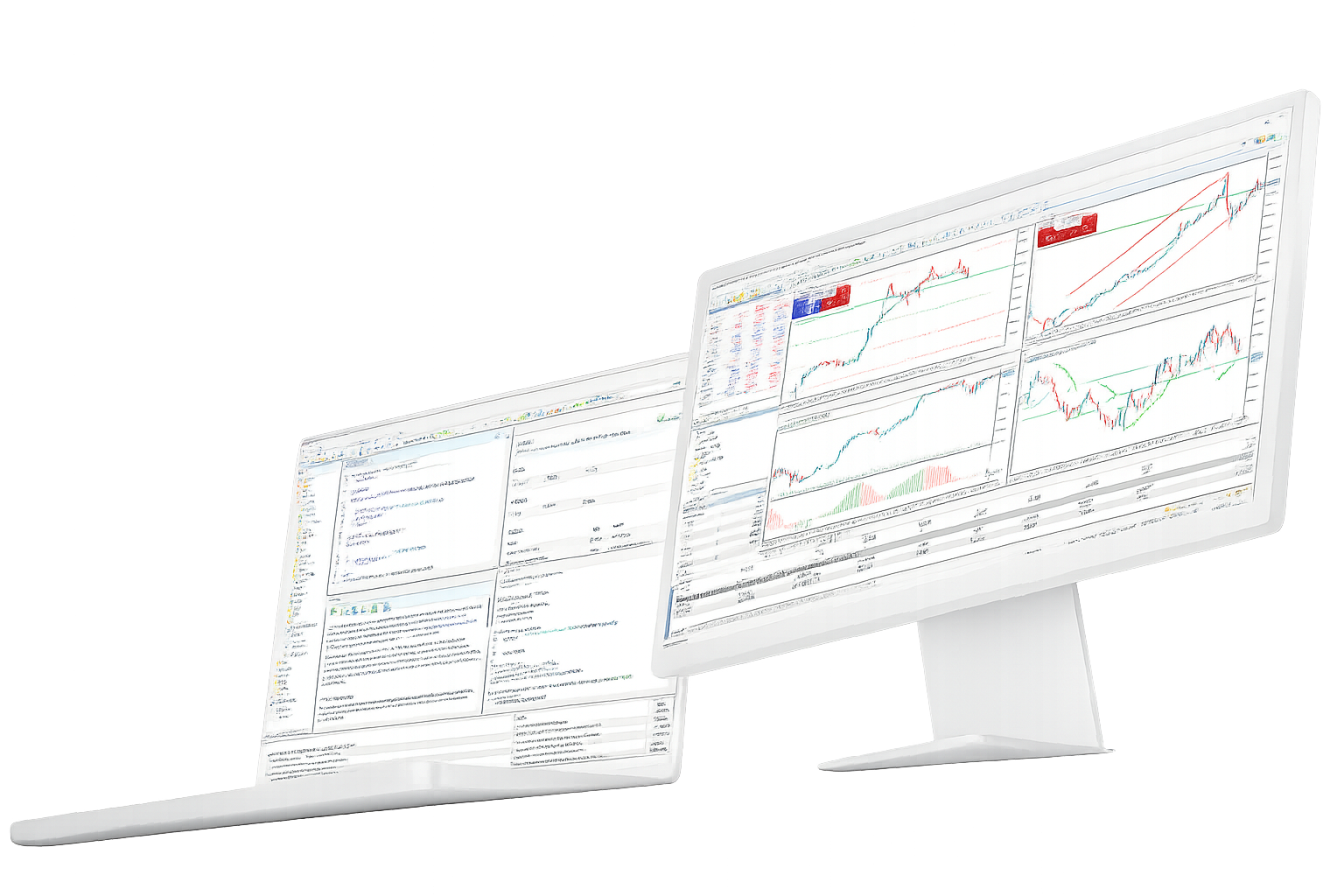
MetaTrader 5 Multi-Asset Trading Platform

Trade and analyze forex, stocks, futures and other broker-supported markets from one desktop, web and mobile platform.

MetaTrader 5 brings charts, Market Depth, order and position management, technical and fundamental analysis, MQL5 automation and Strategy Tester into one trading environment. Live instruments, pricing and account conditions come from the connected broker.

Trading, analysis and automation in one platform

MetaTrader 5 connects market analysis, order execution, position management and algorithmic trading without forcing each workflow into a separate application.

Multi-asset markets

Forex / Stocks / Futures
MetaTrader 5 is built for forex, stocks, futures and other markets made available through a connected broker.
The platform provides the trading interface, charts and account tools, while the broker server supplies the actual symbols and prices.
Spreads, commissions, leverage, trading hours and permissions can therefore vary from one account to another.
Charts and technical analysis
21 Timeframes / 38 Indicators / 44 Objects
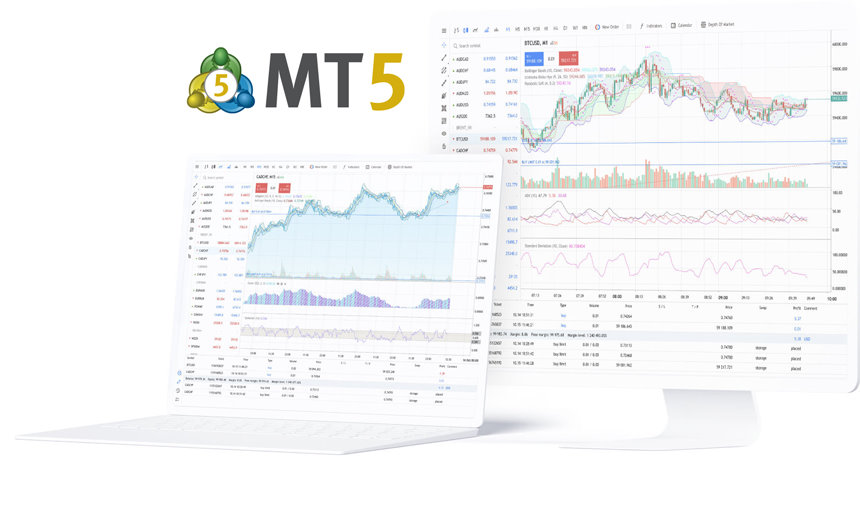
The desktop platform provides 21 chart timeframes for reviewing short-term moves and longer market structure.
Thirty-eight built-in technical indicators and 44 analytical objects cover common indicator studies and chart-based analysis.
Templates, historical data and custom indicators can extend the workspace for repeatable analysis.

Orders and position management

Market Depth / Netting / Hedging
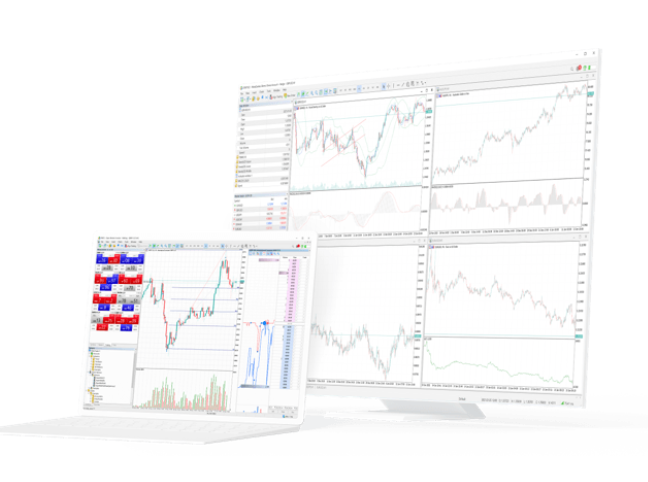
Market Depth, chart trading and order windows provide several ways to inspect liquidity and manage trades.
MetaTrader 5 supports market, pending and stop orders together with both netting and hedging position-accounting systems.
The desktop platform includes six pending order types; execution settings depend on the broker and instrument.

Fundamental analysis

Financial News / Economic Calendar
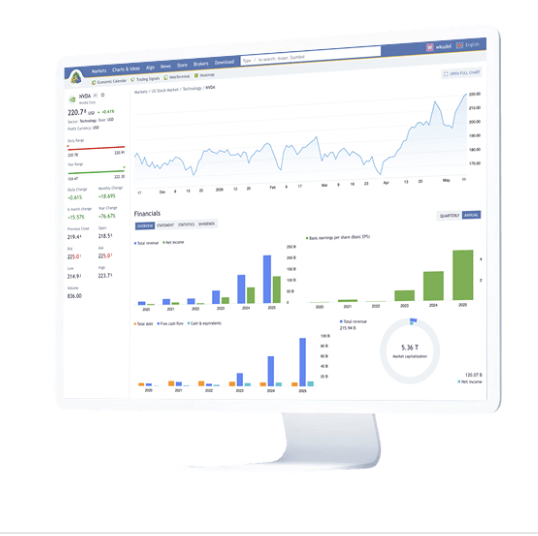
MetaTrader 5 complements chart analysis with financial news and an integrated Economic Calendar.
Macroeconomic releases can be reviewed by event, release time, historical value and market expectation.
This gives traders a way to place price action in the context of scheduled economic events and broader market news.

MQL5 algorithmic trading

EA / MetaEditor / Strategy Tester
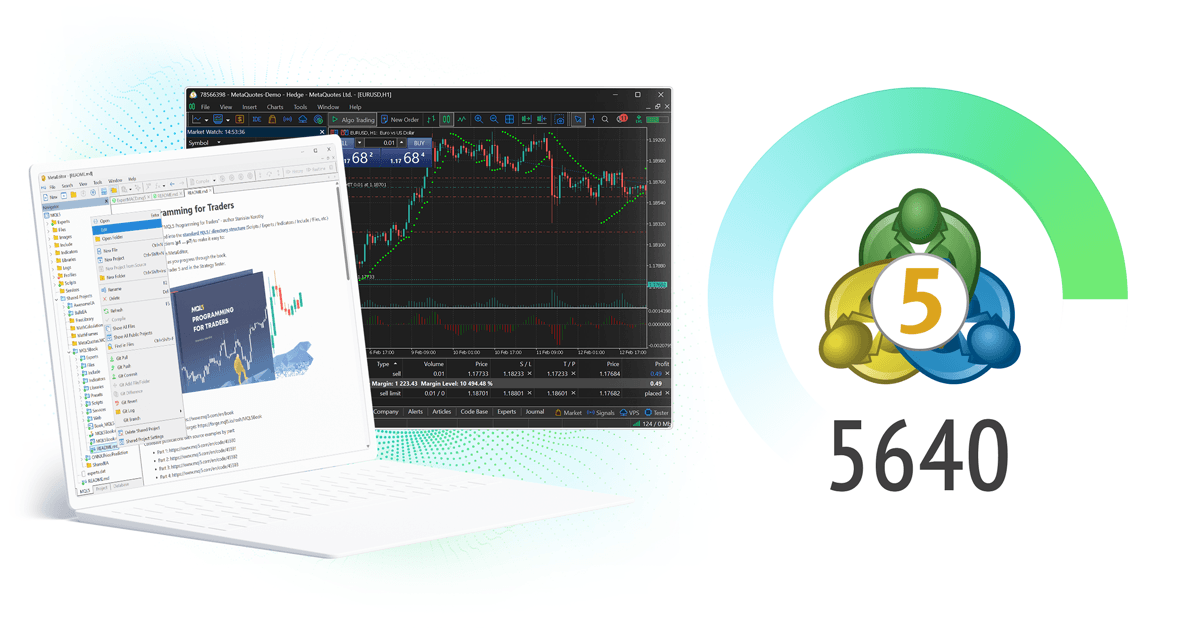
The MQL5 development environment is used to build Expert Advisors, technical indicators, scripts and other trading applications.
MetaEditor handles coding and debugging, while Strategy Tester supports historical testing, optimization and strategy validation.
Automation can make execution repeatable, but live results still depend on strategy logic, market behavior and account conditions.

Terminals and trading services

Desktop / WebTerminal / Mobile / Market / VPS
Desktop is the full environment for analysis, MQL5 and Strategy Tester; WebTerminal provides browser access; mobile apps keep accounts accessible away from the desk.
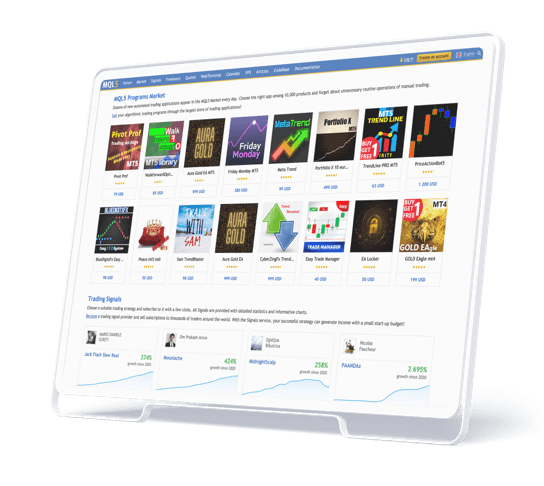
Signals, MetaTrader Market and MQL5.community add copy-trading, Expert Advisors, indicators and development resources.
VPS is available for workflows that need Expert Advisors or signal-related tasks to keep running continuously.

The MetaTrader 5 trading and developer ecosystem

Beyond the terminal itself, MetaQuotes connects MetaTrader 5 with broker infrastructure, market information, business analytics and the wider MQL5 developer community.

MetaTrader 5

Broker and institutional platform

  • Broker trading infrastructure
  • Hedge fund and institutional workflows
FINTEZA

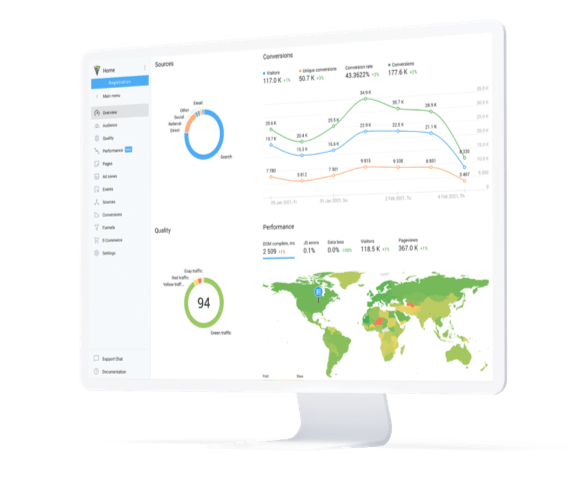
Finteza business analytics

  • MetaTrader 5 business integration
  • Traffic and conversion analysis
  • Sales funnel analysis
MetaTrader.com

MetaTrader.com market information

  • Global financial markets
  • Trading ideas
  • Economic news
MQL5

MQL5.community trading and development

MQL5.community brings together documentation, technical articles, forums, Code Base, Market, Signals and Freelance resources for traders, Expert Advisor developers and MQL5 application creators.

MetaTrader 5 updates and MetaQuotes news

Recent platform releases, AI and MQL5 developments, and MetaQuotes updates from the trading-technology ecosystem.

MetaTrader.com market information platform update

MetaTrader.com launches as a broader market information hub

MetaQuotes introduced MetaTrader.com as a destination for live market data, historical information, fundamental metrics, financial news, trading ideas and related tools across thousands of instruments.

MetaTrader 5 broker evolution interview

How brokers see the evolution of MetaTrader 5

In an interview from iFX EXPO International 2026, MetaQuotes spoke with VersusTrade co-founder Vitalii Bulynin about platform development, technology partnerships and broker requirements.

MetaTrader 5 Build 6090 platform update

MetaTrader 5 Build 6090 focuses on stability and reliability

Build 6090 followed a broad platform code review and introduced internal improvements aimed at strengthening MetaTrader 5 stability, reliability and performance.

MetaQuotes long-term technology partnership interview

MetaQuotes discusses long-term technology partnerships

A recent industry interview explored how MetaQuotes has evolved from a platform supplier into a long-term technology partner across broker and trading-infrastructure workflows.

MetaTrader 5 Build 6060 MCP and agentic AI update

MetaTrader 5 Build 6060 adds MCP and agentic AI support

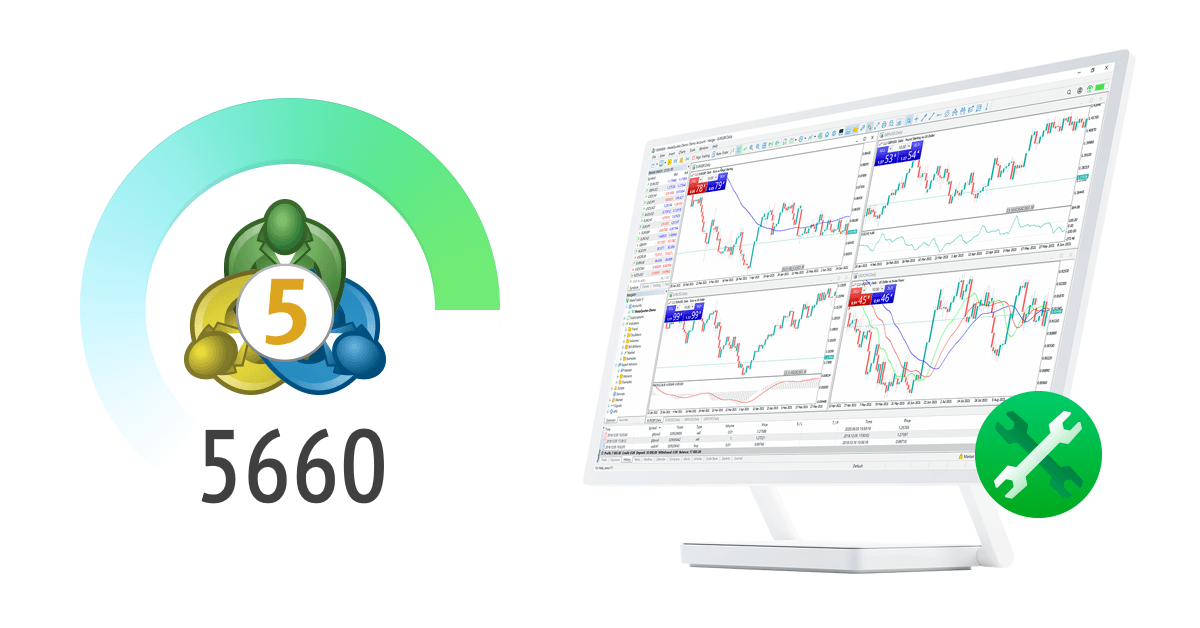
Build 6060 introduced native Model Context Protocol support, agentic AI integration, Passkey authentication and MetaEditor improvements for AI-assisted market analysis and MQL5 development.

Common MetaTrader 5 trading workflows

Different users combine trading, analysis, automation and cross-device access in different ways. These are practical examples of how the platform's main components fit together.

Manual multi-asset trading workflow icon

Manual multi-asset trading

Order execution

Review broker-supported forex, stocks or futures, then use Market Depth, charts or order windows to place trades and monitor positions and account status.

MetaTrader 5 chart and technical analysis workflow icon

Chart and technical analysis

Market analysis

Use multiple timeframes, built-in indicators, analytical objects and templates to structure market review, trade preparation and post-trade analysis.

MQL5 Expert Advisor development workflow icon

MQL5 Expert Advisor development

Algorithmic trading

Write and debug Expert Advisors, indicators or scripts in MetaEditor, then load the programs into MetaTrader 5 for testing and execution.

MetaTrader 5 Strategy Tester optimization workflow icon

Strategy testing and optimization

Strategy Tester

Use Strategy Tester for historical testing, parameter optimization, forward testing and multi-currency validation before evaluating a strategy in live conditions.

MetaTrader 5 cross-device account management workflow icon

Cross-device account management

Desktop / Web / Mobile

Perform deeper analysis on desktop, then use WebTerminal or mobile apps to review markets, positions and orders when the same broker account needs to remain accessible across devices.

MetaTrader 5 Signals and VPS workflow icon

Signals and continuous operation

Signals / VPS

Review and subscribe to trading signals, and use VPS when Expert Advisors or signal-related tasks need to stay active without relying on a local computer remaining online.

MetaTrader 5 FAQ

Understand the platform, supported markets, MT5 versus MT4, analysis tools, MQL5 automation, broker accounts and terminal choices.

What is MetaTrader 5?
MetaTrader 5 is a multi-asset trading platform developed by MetaQuotes for forex, stocks, futures and other broker-supported markets. It combines charts, order execution, technical and fundamental analysis, MQL5 automation, Strategy Tester and multi-device access.
Which markets can MetaTrader 5 access?
MetaTrader 5 can connect to forex, stocks, futures and other financial instruments supported by a broker. The actual symbols, prices, fees, leverage and trading hours depend on the broker server and account type.
What are the main differences between MetaTrader 5 and MetaTrader 4?
MetaTrader 5 is designed for broader multi-asset and exchange-market workflows and includes Market Depth, six pending order types, 21 chart timeframes, an Economic Calendar and a more advanced multi-threaded, multi-currency Strategy Tester.
What chart and analysis tools are included in MetaTrader 5?
The desktop platform includes 21 timeframes, 38 built-in technical indicators and 44 analytical objects. Financial news and the Economic Calendar add a fundamental-analysis layer alongside chart-based technical analysis.
Does MetaTrader 5 support Expert Advisors and MQL5?
Yes. The MQL5 environment combines the MQL5 language, MetaEditor, Strategy Tester and the platform runtime for creating, debugging, testing, optimizing and running Expert Advisors, indicators and scripts.

How MetaTrader 5 fits different trading workflows

The platform can support discretionary trading, market analysis, algorithmic development and cross-device account access without treating them as separate products.

Each workflow combines a different mix of charts, Market Depth, Economic Calendar data, MQL5 tools, Strategy Tester, WebTerminal and mobile access.
Multi-asset order execution workflow icon

Multi-asset order execution

Market Depth, orders and positions

Use charts, Market Depth and order windows to trade broker-supported markets while managing netting or hedging positions from the same account environment.

Desktop / Web
Technical and fundamental market analysis workflow icon

Market analysis

Charts, indicators and economic context

Combine multiple chart timeframes, technical indicators and analytical objects with financial news and Economic Calendar data.

Desktop-first
MQL5 Expert Advisor development workflow icon

MQL5 development

Expert Advisors, testing and optimization

Create and debug MQL5 applications in MetaEditor, then use Strategy Tester to evaluate historical behavior, parameters and forward performance.

Desktop / VPS
Cross-device MetaTrader 5 account access workflow icon

Cross-device access

Desktop, WebTerminal and mobile

Move between full desktop workflows, browser-based WebTerminal access and mobile trading while connecting to the same broker-supported account environment.

Desktop / Web / Mobile

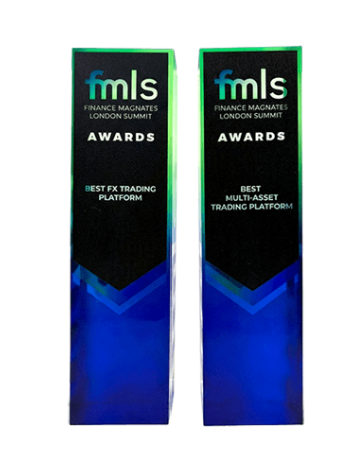
MetaTrader 5 multi-asset platform awards

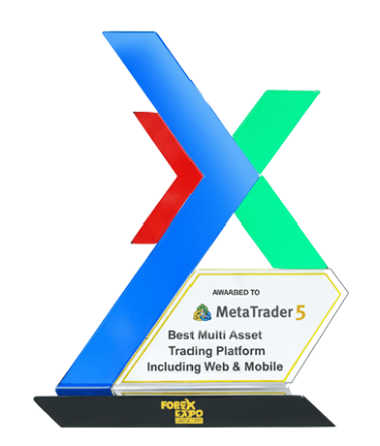
MetaQuotes lists industry awards recognizing MetaTrader 5 in multi-asset trading platform categories, including web and mobile coverage. Awards do not indicate trading performance or investment results.

MetaQuotes

Best Multi-Asset Trading Platform Including Web & Mobile

2025, 2024, 2023, 2022, 2021, 2020

MetaTrader 5 multi-asset trading platform X award trophy
MetaTrader 5

Best Multi-Asset Trading Platform

2025, 2024, 2023, 2022, 2019, 2017

MetaTrader 5 FMLS multi-asset trading platform awards
GET METATRADER 5

Choose the MetaTrader 5 terminal that fits your workflow

Open the download page for Windows, macOS, Linux, WebTerminal, iPhone, iPad and Android installation and access options.