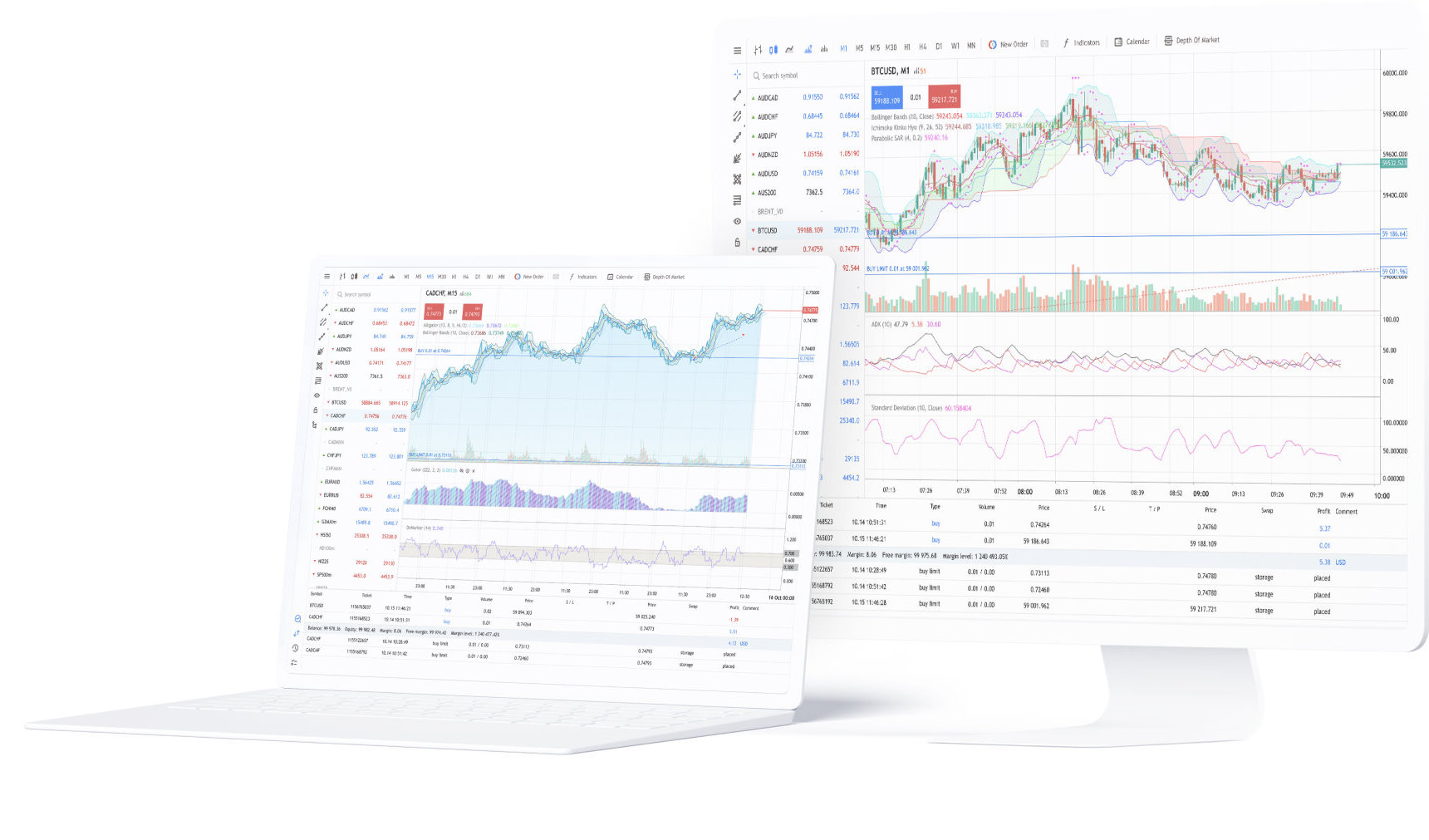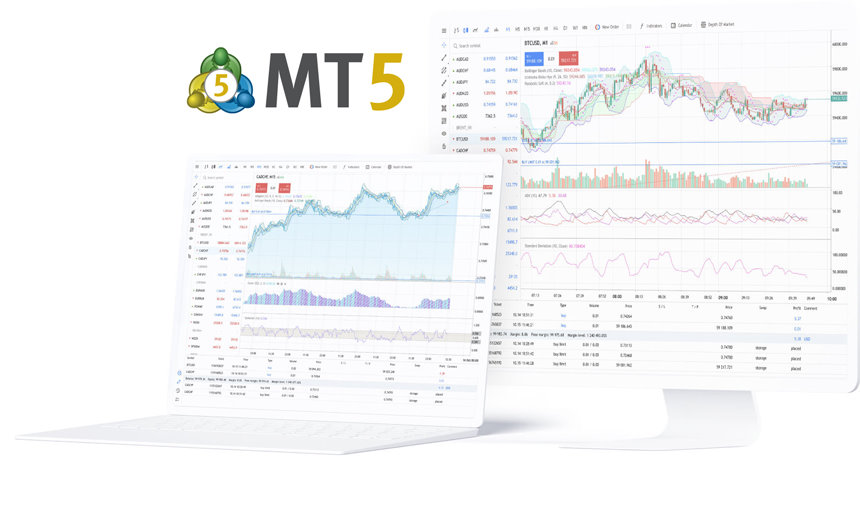
MetaTrader 5 for Windows
Full desktop trading platform for charts, Market Depth, orders, account monitoring, MQL5, Expert Advisors and Strategy Tester.

Choose the MetaTrader 5 terminal that matches your device and trading workflow: Windows and macOS for the full desktop environment, Linux through Wine, WebTerminal for browser access, or the iPhone, iPad and Android apps.
Desktop is the primary environment for MQL5 development, Strategy Tester and Expert Advisor workflows; mobile terminals provide charts, technical analysis, Market Depth, trading orders and account management.
To connect an existing trading account, use the account number, password and broker server supplied with that account.
Available instruments, prices, fees, execution settings and trading permissions come from the connected broker server rather than the terminal download itself.
Use Windows or macOS for the full desktop platform, Linux through the Wine-based installation path, or WebTerminal when browser access is more practical than local installation.
Start with operating system and installation rights, then decide whether you need MQL5, Strategy Tester, Expert Advisors, long-running chart workspaces or cross-device browser access.
Full desktop trading platform for charts, Market Depth, orders, account monitoring, MQL5, Expert Advisors and Strategy Tester.
Desktop trading access for Mac with charts, account login, order management and the broader MetaTrader 5 desktop workflow.
MetaTrader 5 runs on Linux through Wine. The installation guide provides a script for supported distributions that installs Wine and launches the platform installer.
Browser-based platform access without a desktop install, with account login, quotes, charts, Market Depth and trading functions where supported by the connected broker.
Windows and macOS provide the full MetaTrader 5 desktop environment for multi-chart analysis, Market Depth, order and position management, MQL5 development, Strategy Tester and Expert Advisors.
Choose desktop first when your workflow includes backtesting, parameter optimization, local MQL5 files, long-running chart layouts or automated trading setup.
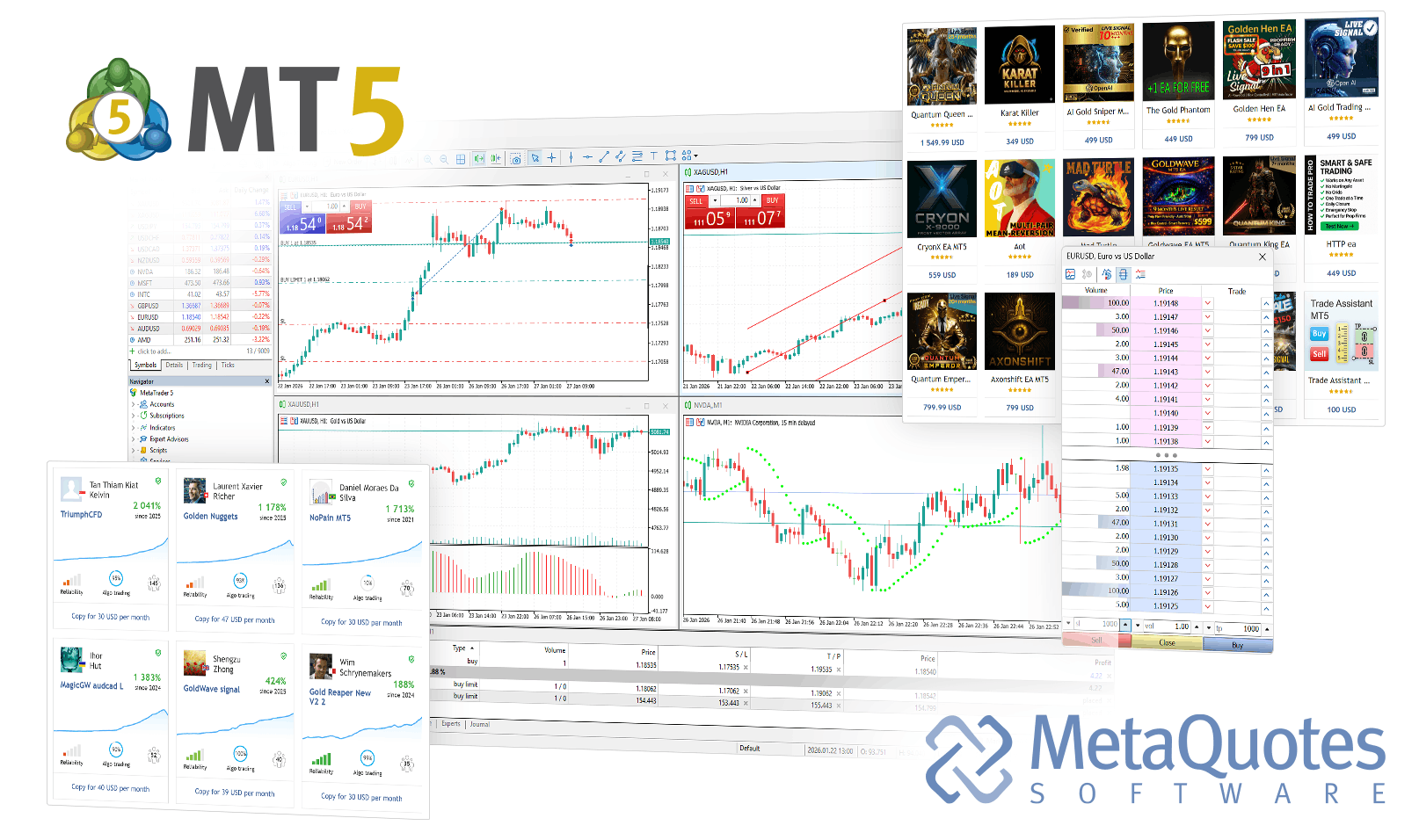
Desktop is the most complete MetaTrader 5 environment when trading, analysis and automation need to stay in one local workspace.
WebTerminal is useful when you need MetaTrader 5 account access from a browser without installing the desktop platform.
MetaTrader 5 is the trading platform, not the broker account itself. Existing live accounts require the account number, password and broker server assigned to that account.
MetaTrader 5 mobile connects to broker servers for real-time quotes, interactive charts, technical indicators, Market Depth, order management and trading history.
Mobile apps are built for active account access away from the desktop; MQL5 development, Strategy Tester and deeper Expert Advisor configuration remain desktop workflows.
The iOS app supports broker account login, real-time quotes, interactive charts, Market Depth, trading orders, netting and hedging accounts, and trading history.
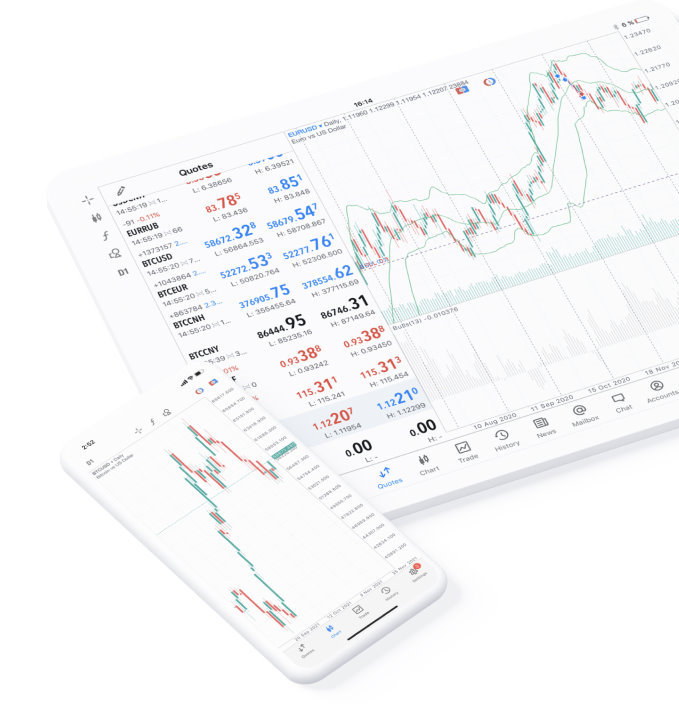
Use the iPhone or iPad app to analyze markets and manage trades from a mobile device. The iOS terminal is a trading platform in its own right, but it does not replace desktop MQL5 development or Strategy Tester.
The Android app provides broker account access, charts, technical indicators, Market Depth, trade orders, positions and account history on phones and tablets.
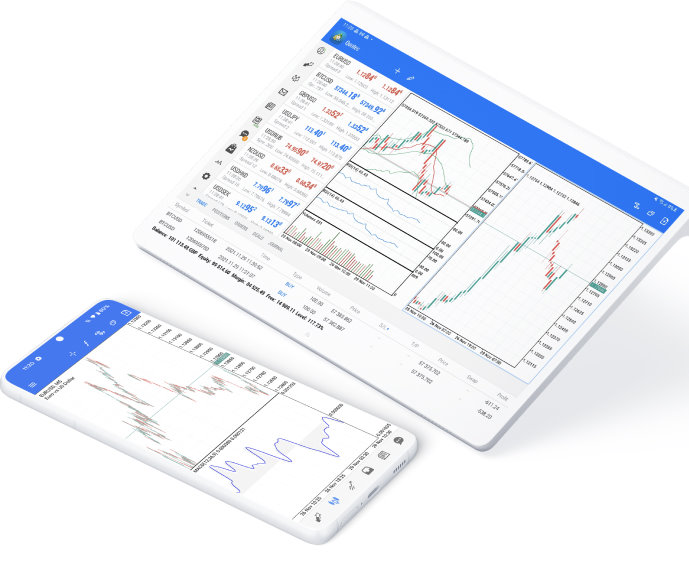
MetaTrader 5 for Android supports mobile trading across broker-supported forex and exchange markets. Sign in to the correct broker server to load the symbols, prices and permissions assigned to your account.
After installation, the app still needs a broker account connection. The account number, password and server determine which trading environment you access.
Answers about choosing a terminal, installing on Linux, using mobile or WebTerminal, signing in to a broker account and checking the first connection.